
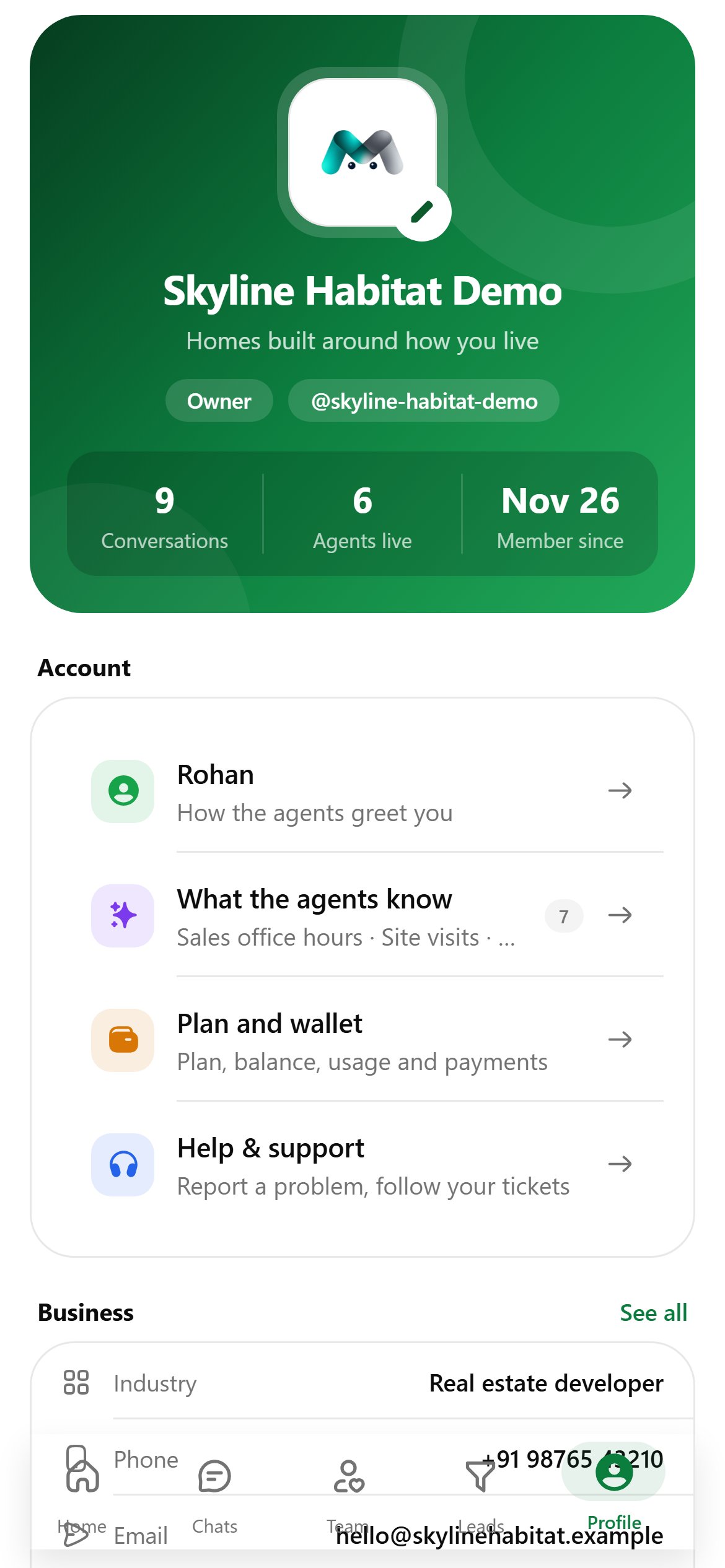
The green card shows your logo, name and tagline, whether you are the Owner or a Team member, and conversations, agents live and member since. Owners can tap the logo to change it.Account
- Your name: how the agents greet you when they talk to you.
- What the agents know: the company facts every agent reads.
- Plan and wallet: opens Billing.
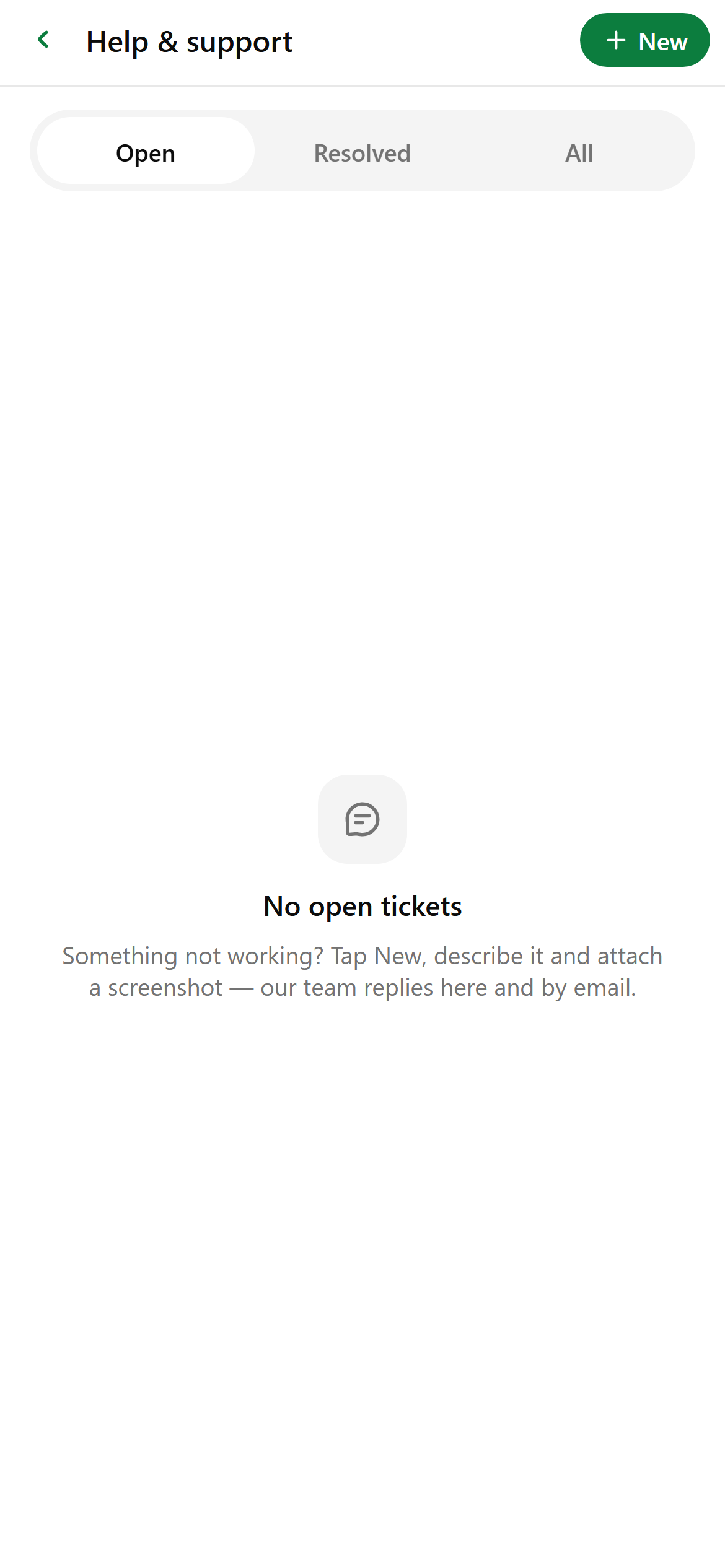
- Help & support: opens your tickets.
Preferences and security
- Appearance: Light, Dark or System.
- On-device models (phones only): see below.
- Two-factor authentication: tap Set up an authenticator app, add the key to your authenticator, enter the six-digit code and tap Turn on. Save the recovery codes; they’re shown only once.
- Sign out: at the bottom. It also stops push notifications on this phone.
On-device models
Download a small AI model that runs entirely on your phone and drafts replies behind the ✦ button in a chat. Nothing in a conversation leaves the phone, and drafting works offline.
Tap Download, then Use for drafts. A model loads the first time you ask for a draft and unloads when the app goes to the background.
Billing
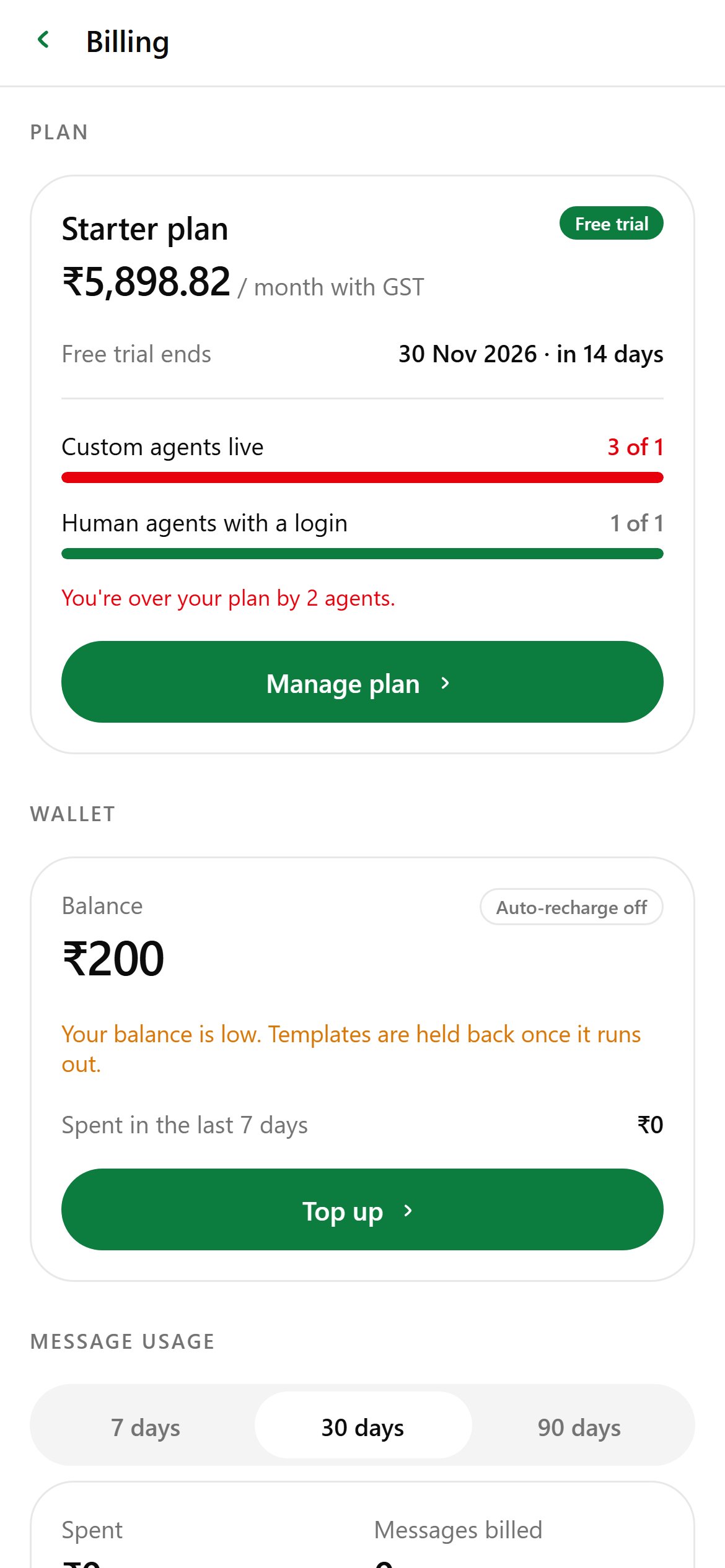
Billing in the app is a read-only view of:
- Plan: plan, price, key dates, and how many custom and human agents you use against the plan.
- Wallet: balance, auto-recharge, warnings when the balance is low.
- Message usage: spend over 7, 30 or 90 days, split by template type.
- Payment history.
Help and support
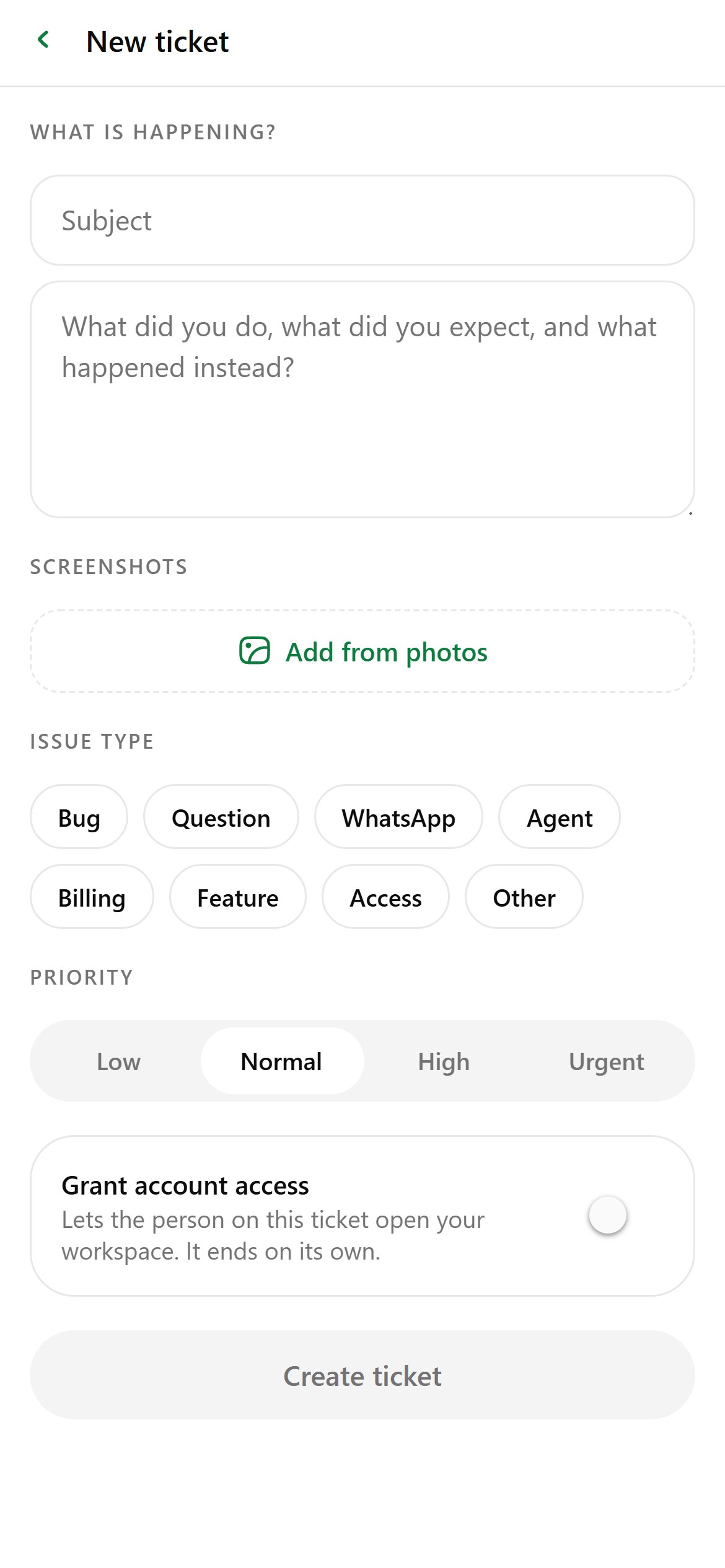
- Write a subject and describe what happened.
- Optionally Add from photos to attach up to 10 screenshots.
- Pick an Issue type and Priority.
- Optionally switch on Grant account access for 4 hours to 7 days (owners only).
- Tap Create ticket. Your device and app version are attached for you.