
- get a push notification when a conversation is escalated or a new order or record is filed;
- read and answer chats, send WhatsApp templates and media, and hand chats back to the agent;
- move leads and records between stages;
- ask your agents how the day went.
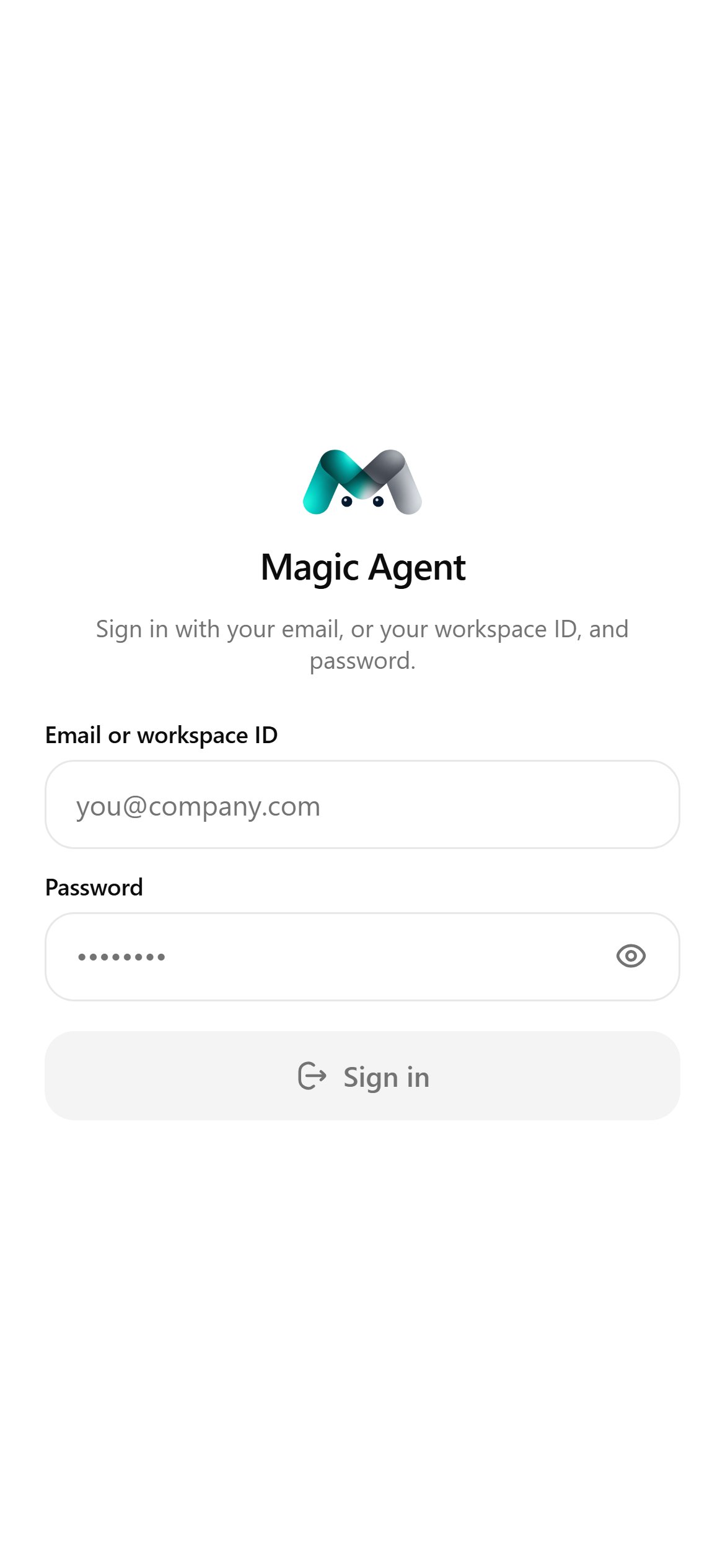
Sign in
- Install Magic Agent from the App Store or Google Play.
- Enter your email or workspace ID and password, then tap Sign in.
- If two-factor is on, enter the six-digit code.
- Allow notifications when asked, so you hear about escalations and new orders.
Getting around
The tab bar at the bottom has five tabs:Notifications
On Android, notifications come in three channels you can tune in your phone’s settings:- Escalations: a chat handed to a person. A distinct sound and a heads-up banner.
- New orders: an order or record filed.
- Everything else.
Who sees what
If you can reach more than one workspace, tap the company name on Home and choose Switch workspace. Every screen follows the workspace you pick.
When an update is ready, a banner offers Restart to get the latest version, or Later.