
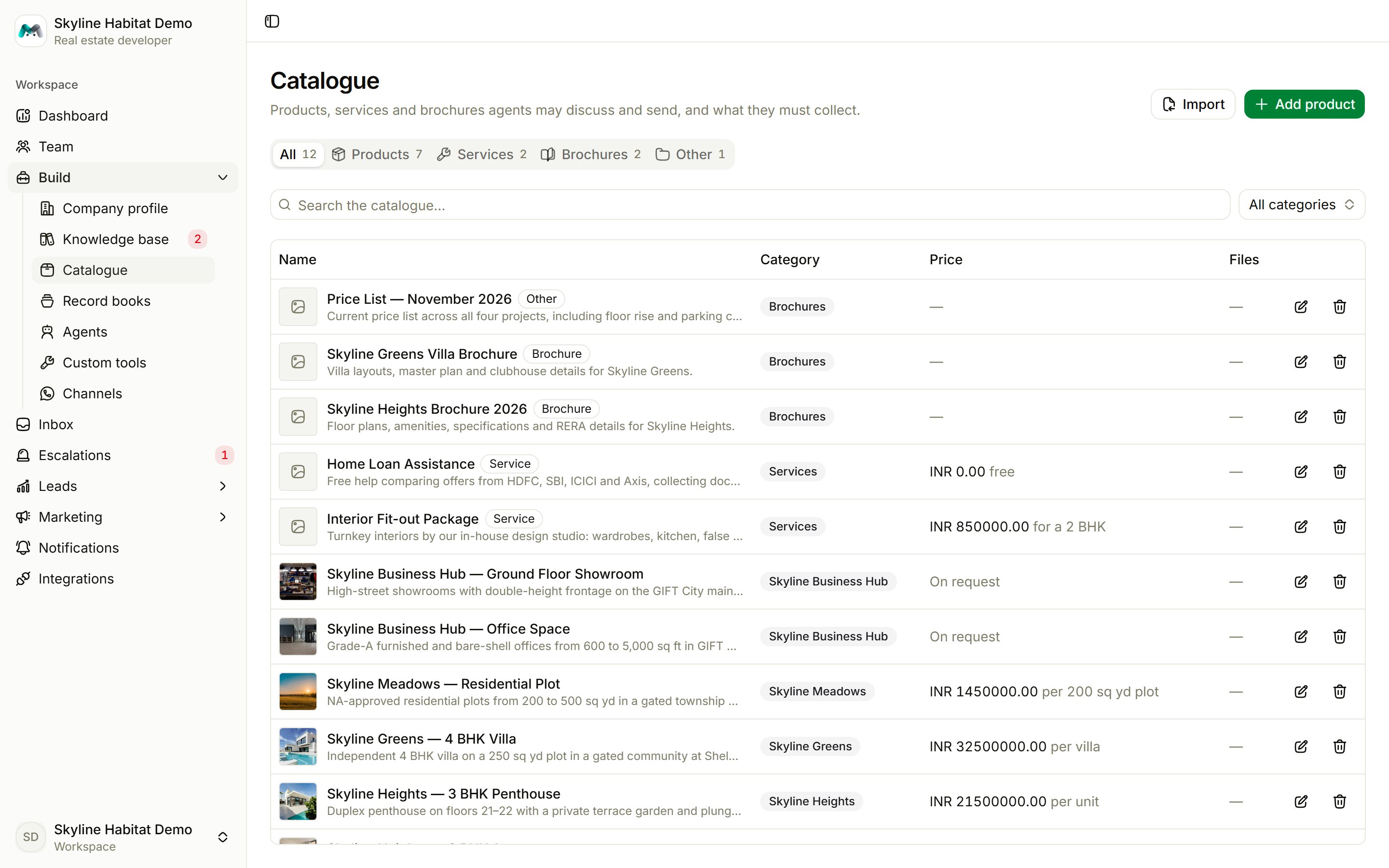
Kinds of entry
Add an entry
Choose Add product (the button follows the tab you are on). If you’d rather start from a worked example, the Catalogue step of the setup checklist offers sample entries. Picking one fills the form; nothing is saved until you press save.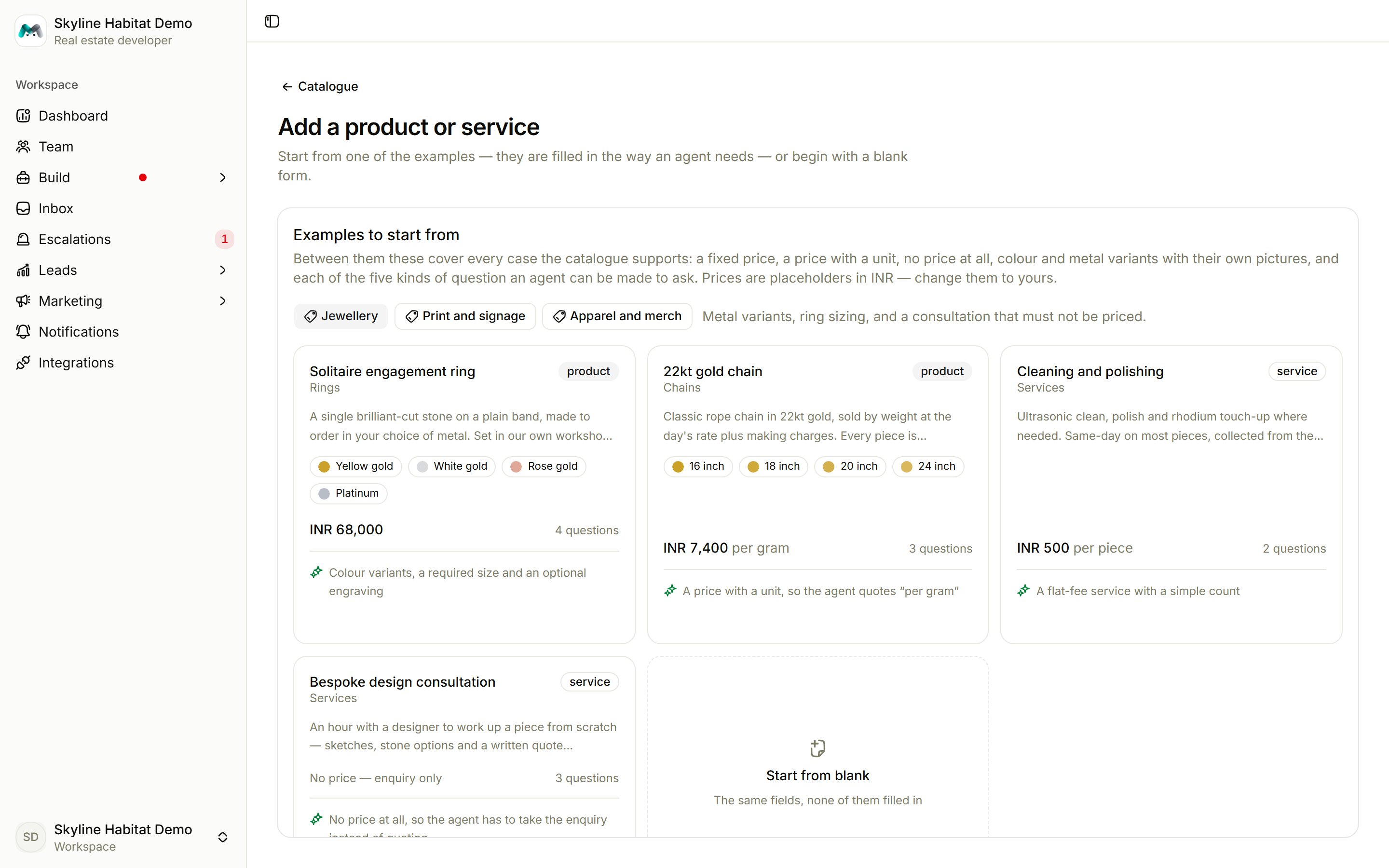
Specification questions are what turn a chat into a complete enquiry. An agent cannot file an order until every required answer is collected.
Import or draft many entries at once
Choose Import to open Populate the catalogue:- Draft with AI: Magic Agent drafts a starter catalogue from your company description. Review each entry before you rely on it.
- Import CSV: download the Sample CSV, fill it in and upload it. Problems are listed by line and column, and nothing is imported until the file is clean. Entries are matched by name, so importing again updates existing entries instead of duplicating them.