
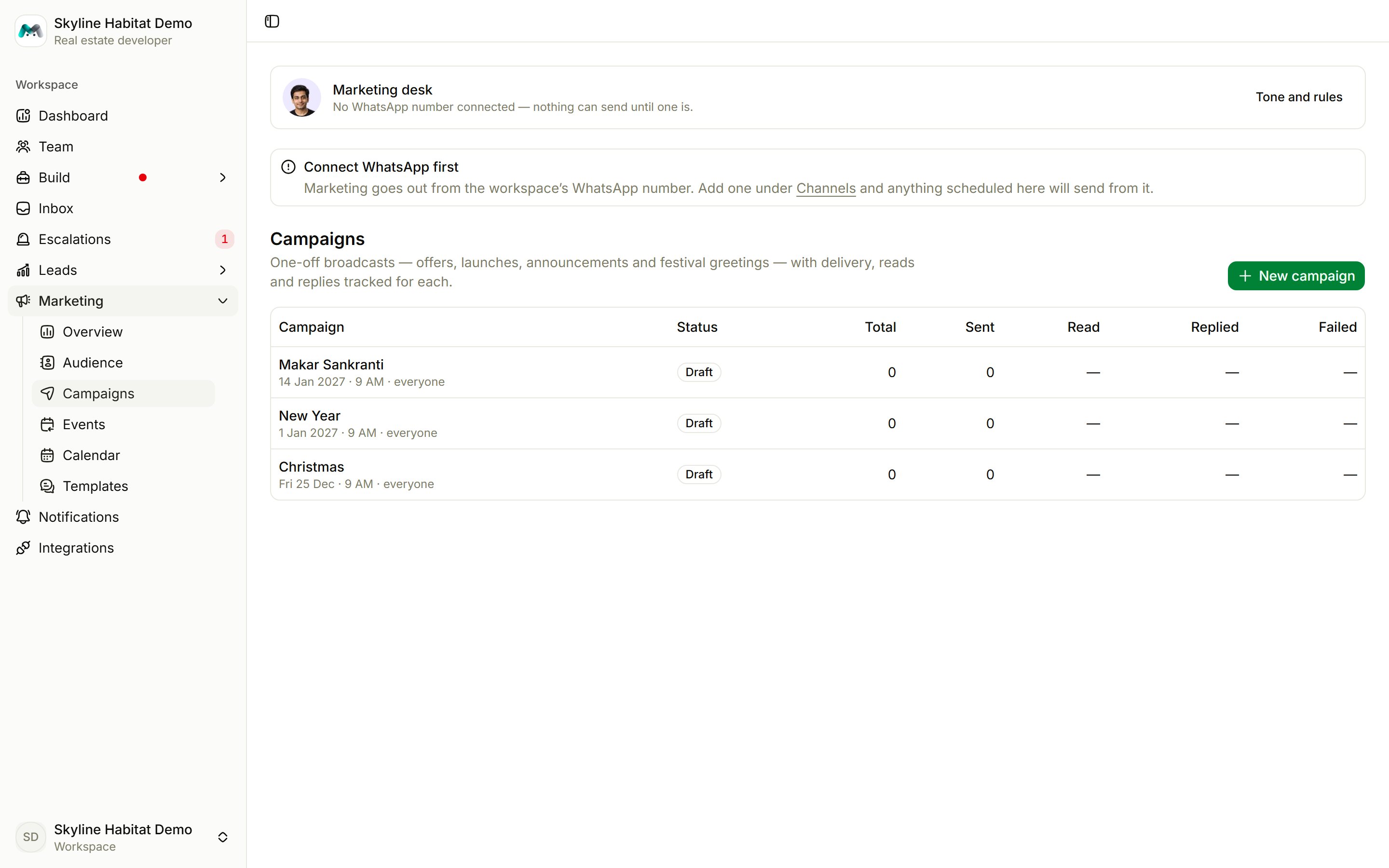
Create a campaign
Choose New campaign, then pick a mode.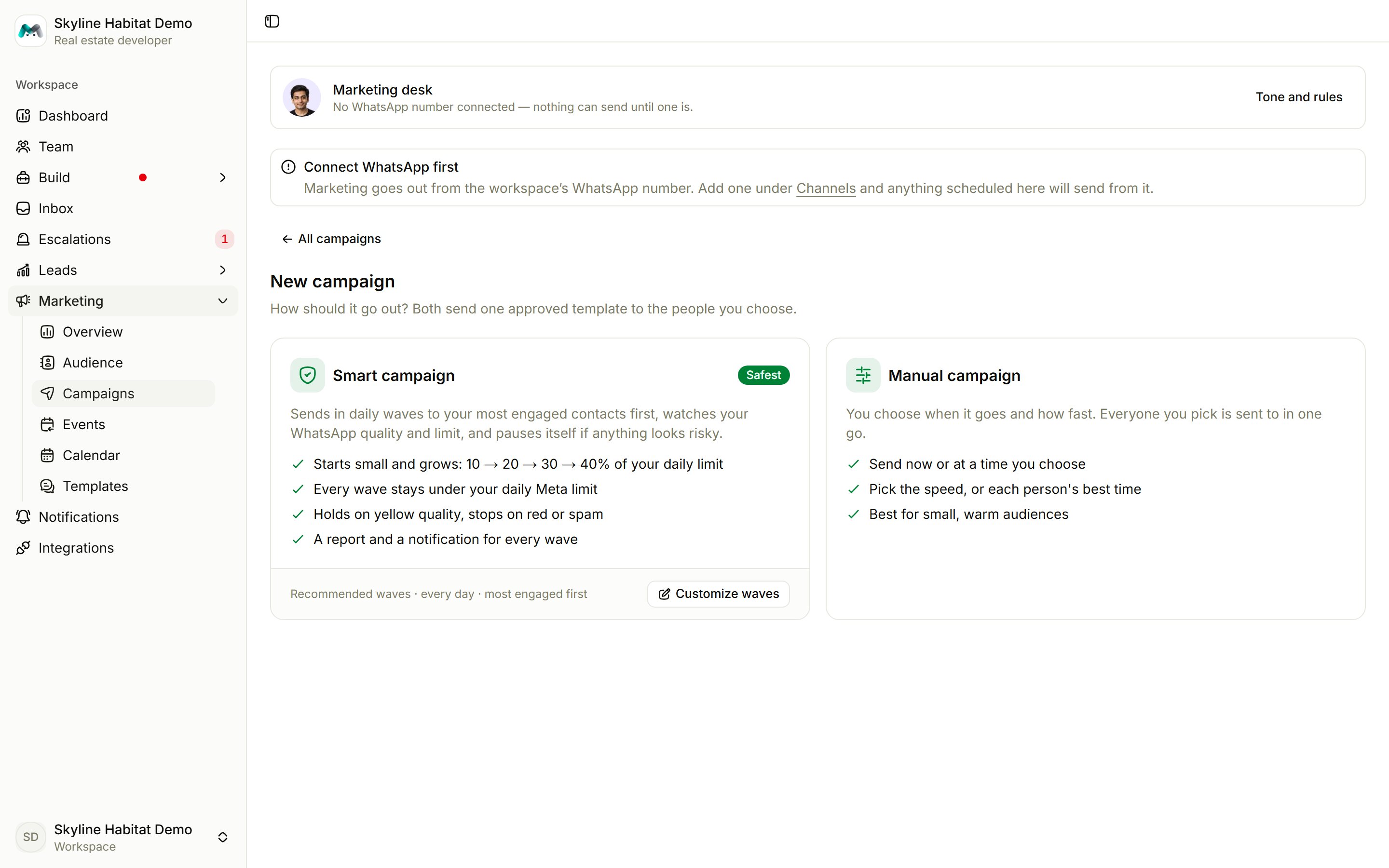
Smart campaign (safest)
Sends in daily waves, most engaged contacts first. Watches your number’s quality and limits, and pauses itself if something goes wrong. Best for large audiences.
Manual campaign
You choose when it goes and how fast. Best for small, warm audiences.
Compose it
1
Name it
For example “Year-end Tower C offer”.
2
Choose who gets it
Everyone subscribed, or Choose who by category, list, tag or record book (and its stages). Narrow further with Only people who…:
- read but didn’t reply (last 30 days)
- ordered in the last 30 days
- ordered before, but not in 90 days
- have been silent for 90 days
- never read a marketing message
3
Choose what they read
Pick an approved template and fill in its blanks.
4
Set the details
- Track link clicks gives each person their own short link.
- Replies go to the front desk or a specific agent.
- Schedule for a day and time, or send now.
- For manual campaigns, set the Speed and optionally Send at each person’s best time.
Launch it
- Manual: choose Send now and confirm. This can’t be undone.
- Smart: choose Review plan to see the waves, days, people and cost per wave, then Launch smart campaign or Save as draft.
Smart campaign safety checks
A smart campaign:- checks your number’s quality before every wave, and pauses on a red rating, spam reports or a paused template;
- on a yellow rating, waits 48 hours and halves the next wave;
- holds for a day when unsubscribes pass 1.5%, and pauses at 3%;
- never uses more than 80% of your daily limit, and spreads each wave over about two hours.
Follow a campaign
Open a campaign to see its total, sent, read, replied and clicked rates, orders and bookings, failures, unsubscribes and cost. It also shows a send-to-reply funnel, when people read it, and why some messages didn’t arrive. Actions:- Pause / Resume, Stop sending, or Delete if it hasn’t started
- Send again to people who didn’t read it, or to those it failed for
- Duplicate
- Filter Recipients by outcome, export a CSV, or Save as a list to follow up